.png)
Create an account
With email or Google; then your business name, your plan, how you want to start and your card. On the trial the first charge is only after 7 days.
The Dutch AI phone assistant
voicehelden answers when you can't, handles questions and puts the appointment in your calendar. On your own number, 24/7 or only when you can't pick up.
In a minute and a half: how you build your own assistant in the app, from the first question to live. Dutch narration, English captions. Rather read, or on a small screen? Unfold the seven steps below the video.
With your e-mail address or with Google. You choose: try 7 days free or pay now with 20% off. You enter your card up front.
What should your assistant do for callers? You pick a type, or you type it in your own words.
A few short questions. It reads your website along. With Google Calendar it books appointments directly, in free slots only; if it cannot help, it takes a message.
The greeting callers hear, what it knows about your business, what it never promises and your integrations. You change anything, yourself or with one instruction to the AI. Nothing goes live without your approval.
Starter, Business or Pro; they differ in call minutes only. You enter your card with Stripe. On the trial the first charge comes after 7 days; if you pay now, 20% comes off straight away. Cancel any time.
Your assistant gets its own number. With one code on your mobile you forward your own number: always, or only when you do not pick up. Your customers call the number they already know.
With a summary and the full transcript. Appointments go straight into your Google Calendar.
You set it up yourself in the app, without waiting for us. Under each step you'll see how long it takes.
With email or Google; then your business name, your plan, how you want to start and your card. On the trial the first charge is only after 7 days.
You answer a few questions about your business and what customers usually ask, hear the assistant on the phone straight away and change whatever you want different.
One code on your mobile forwards calls to the assistant, 24/7 or only when you can't pick up; you keep your own number.
The assistant adapts to what your business needs and puts appointments in your Google Calendar.
Incoming calls are answered and the reason is asked for: you read the name, number and reason back in your dashboard. Transferring a live call to a colleague is being investigated.
Opening hours, address, rates, how something works: the assistant answers the questions you filled in. If it doesn't know something, it says so and records the question.
Appointments go into your Google Calendar during the call, only at times that are actually available.
If the assistant can't resolve it, it records the caller's name, number and reason. You read it back in your dashboard.
A summary and the full transcript of every call, straight in your dashboard.
Transfer rules, trade terms, what it must never promise: you adjust it yourself in the app. Multiple numbers or locations? On request.
All use cases ›The assistant starts in Dutch and follows the caller's language: Turkish, Arabic, English, French, German — even Frisian. The rest of the call stays in that language.
Every call opens in Dutch. That's what your customers expect, and it's what the assistant is set up for.
If someone starts in Turkish, Arabic, French, German or English, or asks whether that is possible, the assistant switches. And it doesn't switch back halfway: whoever started in a language is seen off in it.
If it genuinely can't understand someone, it says so and asks whether Dutch or English would work. It doesn't pretend to have understood, so it never books anything on a guess.
Useful for customers who don't speak Dutch — without you maintaining a second number or a second script.
Our AI phone assistant can be connected to your internal systems — CRMs, calendars and databases — through integrations or API connections, so data is captured and retrieved accurately.
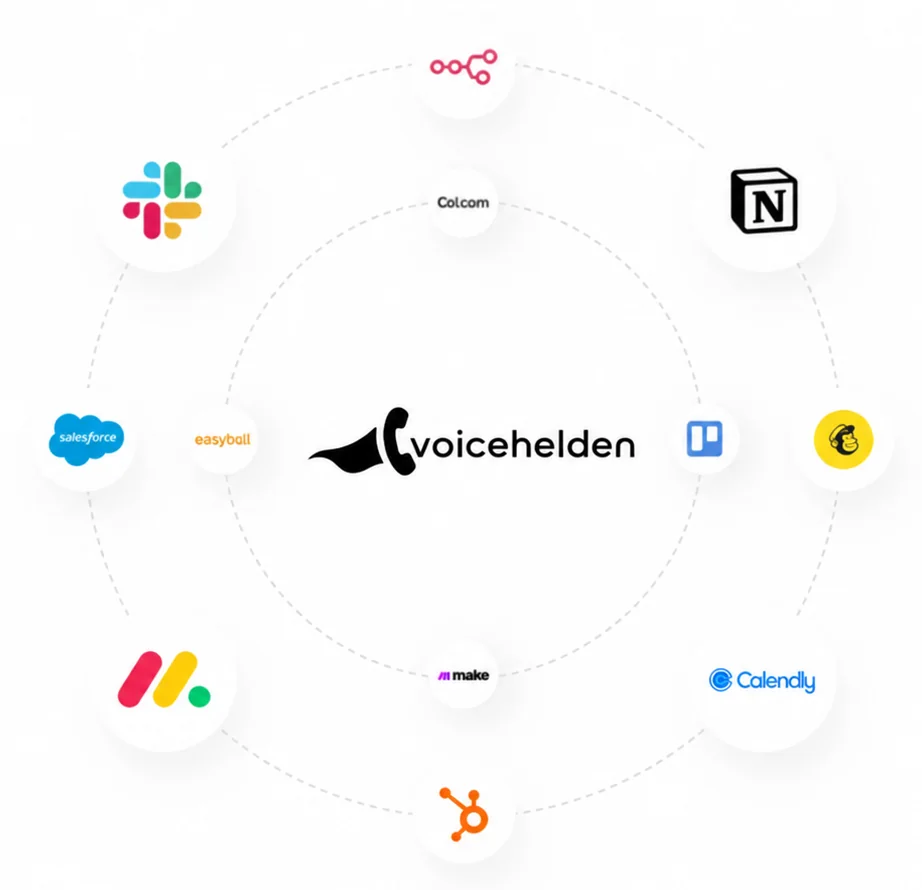
The logos in the ring are tools you connect to the webhook yourself, through Zapier, Make or n8n; we do not build that link for you and we are not a partner of theirs. Outlook or a reservation system cannot be connected directly right now. Tell us what you need and we'll say whether and when it can be done.
Pick your industry and see what the assistant does when you can't pick up. The same everywhere: answer, handle questions, put the appointment in your calendar or take a message.
In the middle of service the phone rings and nobody can pick up. Callers who get no answer often try the next restaurant, and the table stays empty that evening. The assistant puts the reservation in your calendar during service and you see it there as soon as you have a moment.
At 18:30 you're still on a roof and a customer calls about a fault. You can't pick up, and calling back tomorrow is often too late. The assistant answers, plans the appointment in your calendar and you see it there as soon as you're back down.
The assistant answers, books a check-up or a first appointment in your Google Calendar at a free moment, and gives your opening hours and practice rules as you entered them. Someone who would rather speak to the front desk gets name, number and reason noted, and your front desk calls back.
A client calls for a haircut while you are mid-treatment. The assistant picks a free moment in your calendar together with the caller, gives your prices and opening hours as you entered them, and you see the appointment as soon as you are done.
MOT, servicing or a strange noise: the assistant books the appointment in your calendar and, for a breakdown, notes name, number and what is going on. You call back as soon as your hands are free, with the summary already in your dashboard.
The assistant takes the report with name, number and what is going on, and puts it in your dashboard with a summary and transcript. Sending a technician or calling the tenant back stays your step; it promises the tenant nothing you have not set up.
Law firm, accountant or admin office: the assistant books the appointment in your calendar, answers practical questions such as opening hours and address, and notes every other question with name and number. It gives no substantive advice and never commits to anything on your behalf.
Opening hours, directions, a call-back request or moving an appointment: these are the calls that come back every day. Opening hours and directions the assistant answers itself, and a new appointment goes straight into your calendar. A call-back request or a request to move an appointment it leaves in your dashboard for you, with name, number and reason.
Pay monthly, cancel monthly. Your minute allowance renews every month.
1,000 minutes a month, roughly 300 three-minute calls
Per month, excl. VAT
Build your own AI receptionistAfter 7 free days: €79 a month, excl. VAT. Card up front, cancel any time.
Pay now instead: 20% off every invoice — €63.20 a month, excl. VAT. No trial, and a 30-day money-back guarantee on your first invoice.
One number, one login, built for one call at a time. Need more? On request.
3,000 minutes a month, roughly 900 three-minute calls
Per month, excl. VAT
Build your own AI receptionistAfter 7 free days: €199 a month, excl. VAT. Card up front, cancel any time.
Pay now instead: 20% off every invoice — €159.20 a month, excl. VAT. No trial, and a 30-day money-back guarantee on your first invoice.
One number, one login, built for one call at a time. Need more? On request.
5,000 minutes a month, roughly 1,500 three-minute calls
Per month, excl. VAT
Build your own AI receptionistAfter 7 free days: €299 a month, excl. VAT. Card up front, cancel any time.
Pay now instead: 20% off every invoice — €239.20 a month, excl. VAT. No trial, and a 30-day money-back guarantee on your first invoice.
One number, one login, built for one call at a time. Need more? On request.
During the free period you have 1,000 minutes, whichever plan you choose. Extra minutes cost €0.30 and the assistant keeps answering. Prices exclude VAT; this offer is for businesses. Everything about pricing.
The voice sounds natural and many callers don't ask. If someone does, the assistant simply says it's a digital assistant. That's also what the European AI Act requires: people must be able to know they're speaking to an AI system.
Partly, and we'd rather say exactly how it is. Telephony and speech processing run in Europe; call storage is in Europe (europe-west1). Some of the processing functions currently still run in the United States, under the EU-US Data Privacy Framework and the standard contractual clauses. We sign a data processing agreement with a list of sub-processors, we don't use your calls for our own purposes, and we delete on request. If you have a hard requirement that everything stays within the EU, get in touch first. The full explanation is in the data processing agreement.
Usually within a quarter of an hour. You answer a few questions about your business, hear the assistant on the phone straight away and adjust whatever you want different. Then you forward your number and the assistant answers; the forwarding itself takes a few minutes.
Yes. You keep your own number and provider; you only forward to voicehelden. You can forward 24/7, or only when you can't pick up, so you keep answering yourself during the day. The app walks you through forwarding from a Dutch mobile number (+31 6). If you have a landline or a PBX, you set the forwarding yourself at your provider; we give you the number it should point to.
It records the name, number and reason for the call and says honestly that it will pass the message on — without promising a call-back time it doesn't know. You get a summary of every call in your dashboard, including the ones that didn't go well. Transferring the live call to you or a colleague is not possible yet; that is being investigated.
Not right now. After a call there is no email, SMS or WhatsApp to you or to the caller. The appointment is in your Google Calendar and the call is in your dashboard with a summary and transcript; that's where you read it back. So the assistant doesn't promise the caller a confirmation by email or WhatsApp either. A summary by email is on the roadmap and is not part of the price.
No, not right now. The assistant handles incoming calls; it doesn't call out. Cold calling we leave to people anyway — that's not just a choice, it's also what the Dutch telemarketing rules require of you.
Three plans that only differ in minutes: Starter €79 with 1,000 minutes, Business €199 with 3,000 minutes and Pro €299 with 5,000 minutes, per month and excl. VAT. Go over your minutes and each extra minute costs €0.30 while the assistant keeps answering. The offer is for businesses; the details are on the pricing page.
You choose at checkout. Trial: 7 days free with your card up front, 1,000 minutes whichever plan you pick, and the first charge only after 7 days — cancel before that date and you pay nothing. Pay now: no trial, but 20% off every invoice for as long as the subscription runs, on top of the discount of your billing period, with a 30-day money-back guarantee on your first invoice. Either way you cancel yourself, for the next billing period.
Try 7 days free or pay now with 20% off
Set it up yourself tonight and let it take your calls tomorrow. Not for you? Cancel within the 7 free days and pay nothing.